Reading in Obsidian
Open a book from its note, turn pages, and come back to where you stopped.
Open a book note and choose This book: Read (or select Read in the Library panel, or right-click the note). The book opens in a tab. EPUB, AZW3 and MOBI books are read directly, with no conversion.
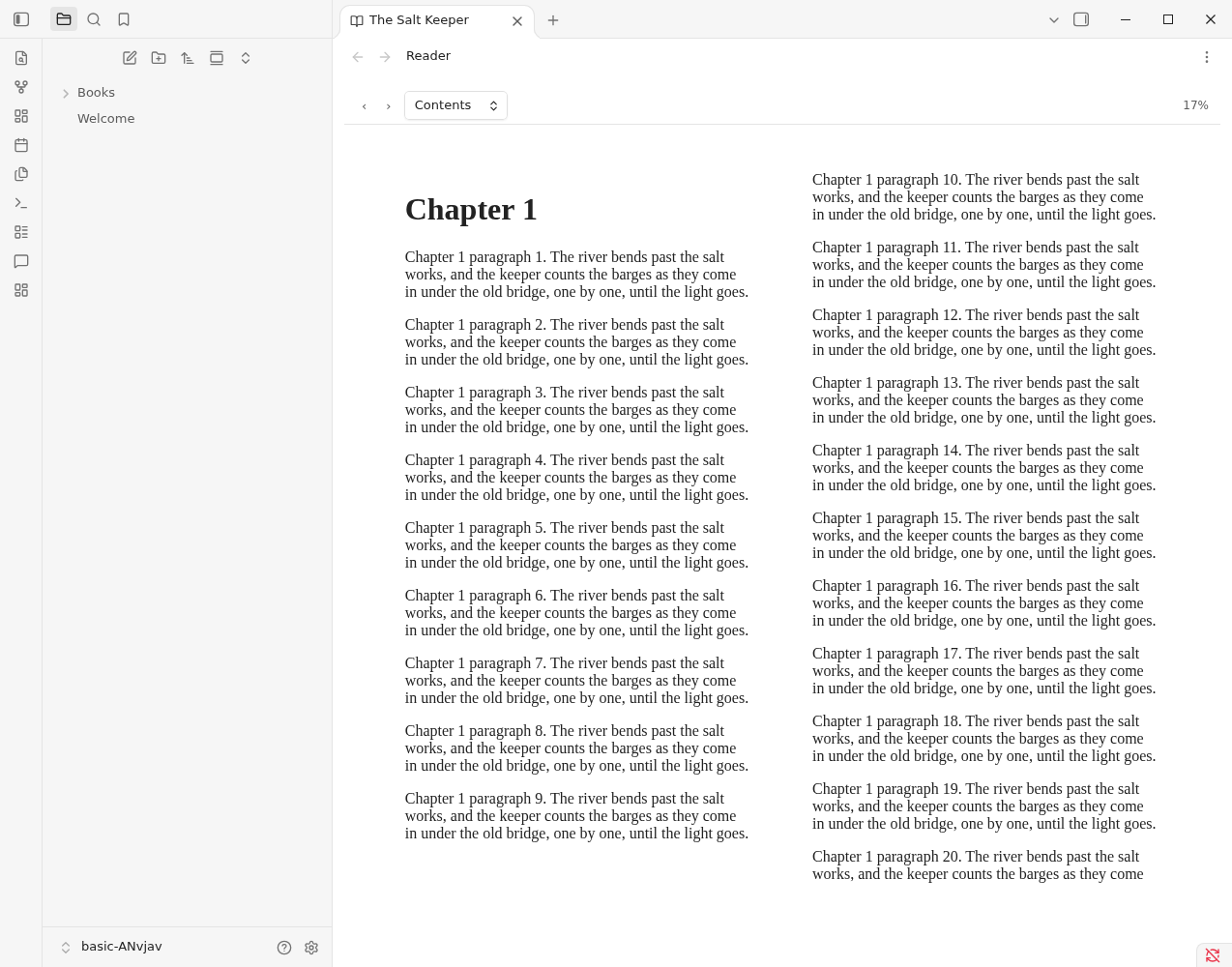
Use the arrows or your keyboard to turn pages, and Contents to jump to a chapter. The percentage is how far through the book you are.
Your place is saved in the note's reading_position property as you read, and the book opens there next time. Reading: Continue reading reopens the book you read last. Reading a book that is not read or set aside sets its status to reading and stamps started.
What it needs#
- Some provider must be able to open the book: Calibre with an EPUB, AZW3, MOBI or PDF of it (the note needs a
calibre_id, and the Content Server or library folder supplies the file), or another provider with a link, such as Audible (the note needs anaudible_asin). - A PDF opens too, one page at a time (see below).
PDFs#
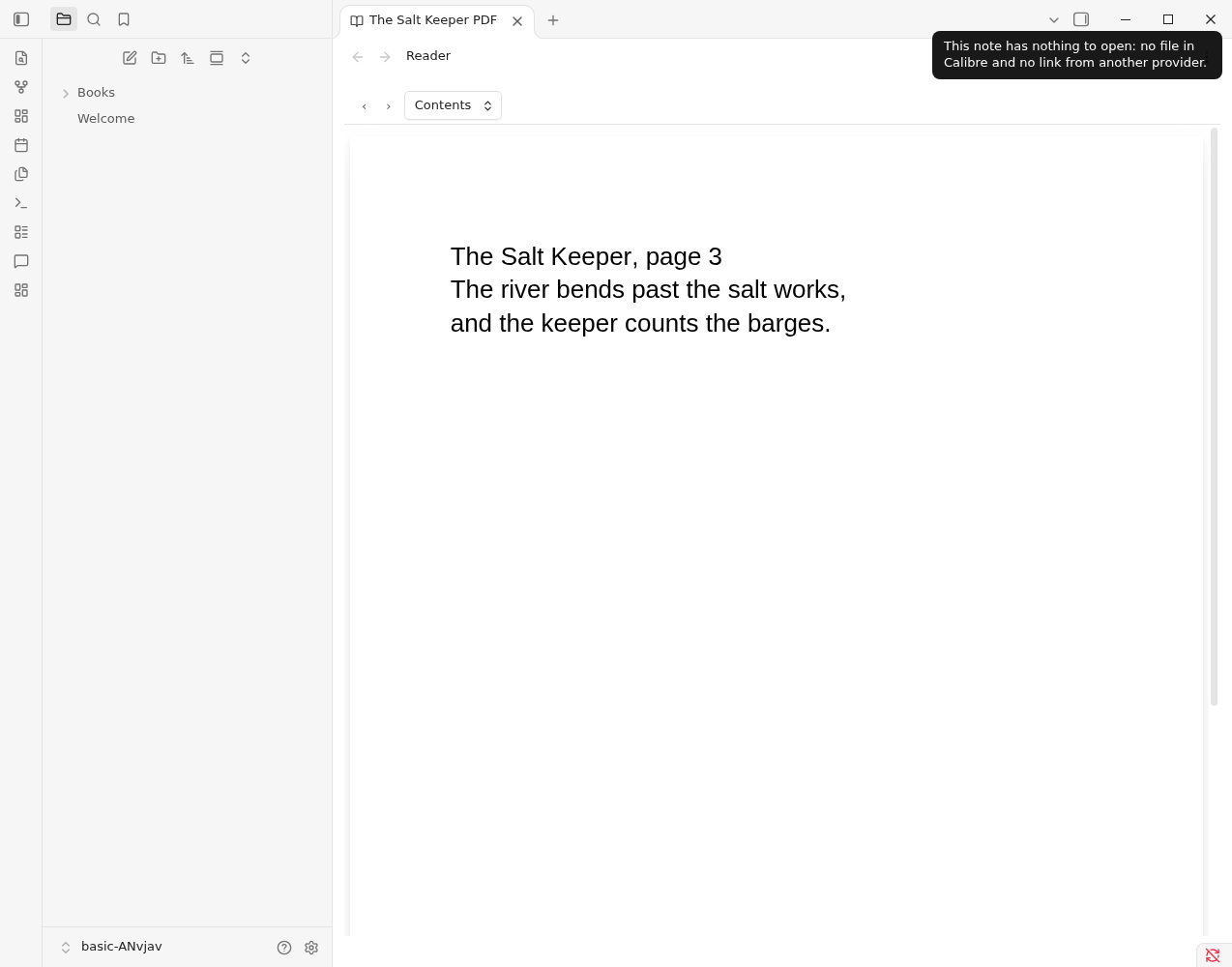
A PDF opens in the same tab, one page at a time, drawn at the width of the pane. Contents lists the pages, and your page is remembered like a place in an EPUB. If a PDF is shorter than when you left it, it opens at the last page.
Books from other providers#
Reading goes through your providers. Each one says how a book can be opened, and Read uses the best way: a readable file first (EPUB, then AZW3, MOBI, then PDF), and otherwise a link.
- A book in Calibre opens its file.
- A book only Audible holds is an audiobook with no file to read, so Read opens its Audible page in your browser.
- A book held by both opens the Calibre file, and This book: Open with… lists every way to open it, so you can choose the Audible page instead.
A provider that is off, or can't be reached, is left out; the others still work.
Select text and choose Highlight to keep a passage: see Highlights.
If your place is lost#
A place is a position inside a particular file. If the book in Calibre is replaced by another edition, the reader says it could not return to your place and opens at the start.
A note about safety#
An ebook is a small web page, and some contain scripts. Library Hub removes every script and tells the page not to run any before it is shown, so a book cannot reach your vault or Obsidian. The reader uses foliate-js (MIT).