Beta. Clusters is not released yet. These pages describe the build in progress.
Search a collection
Ask a question, read the cards that match, open the passage behind each, and see where books disagree.
Before you start
The collection is indexed: see Index a collection.
Steps
- Run Clusters: Open search. A pane opens at the side.
- Pick a collection and type a question.
- Read the cards. The tabs across the top are the lens's facets: for the nonfiction lens, concepts, claims, cases and practices.
- Narrow the cards with the filters. They come from the collection's fields: a book's fields, a note's properties or a Base's columns.
Each card shows where it comes from (the book or note, and the passage), how closely it matches, and its quote.
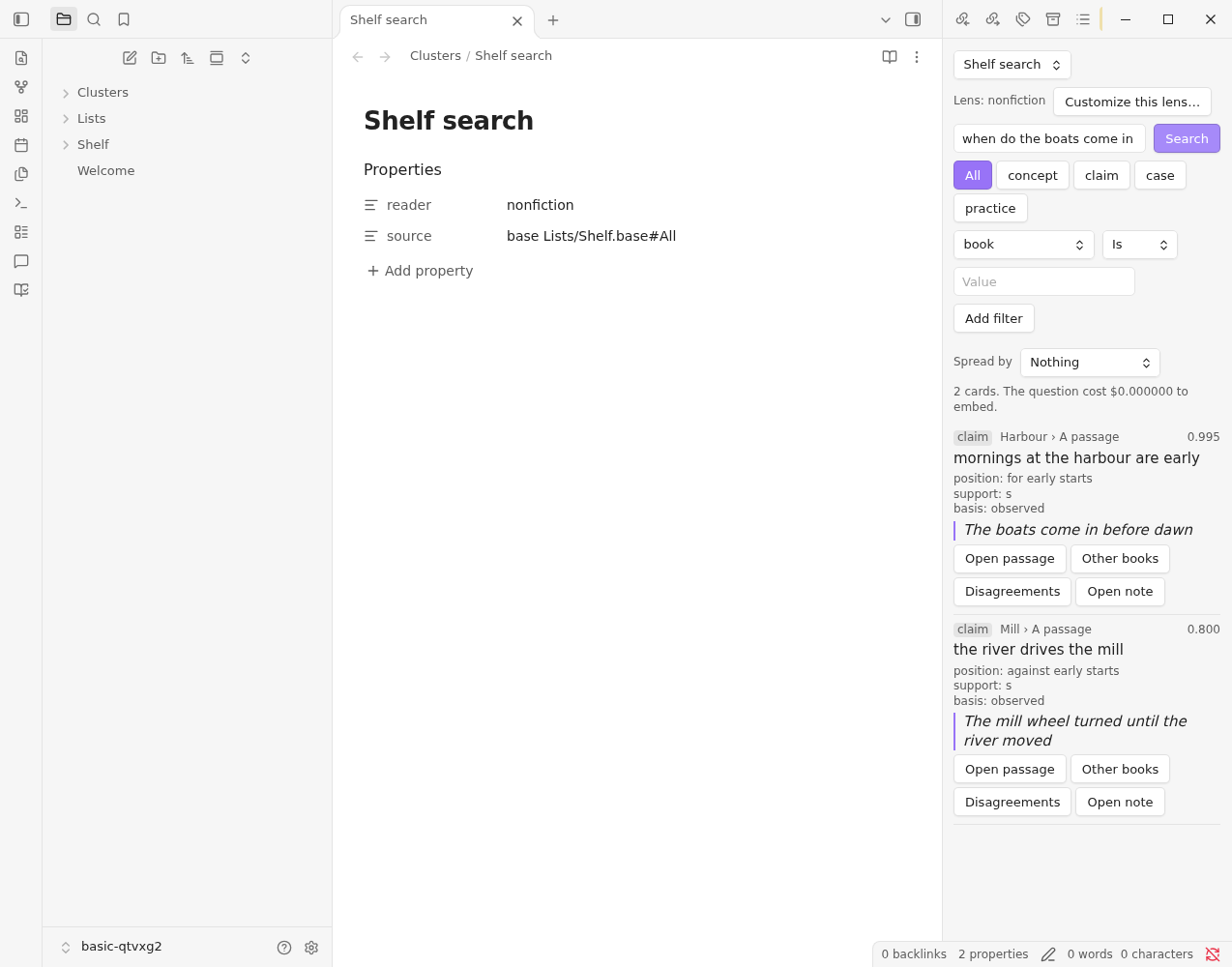
From a card
- Open passage shows the text behind the card with the quote highlighted, and the passages either side of it.
- Other books shows cards that say something similar in other books.
- Disagreements shows cards on the same subject that take a different position. It appears for facets that record a position, such as claims.
- Open note opens the book's note, the source note or the Base row.
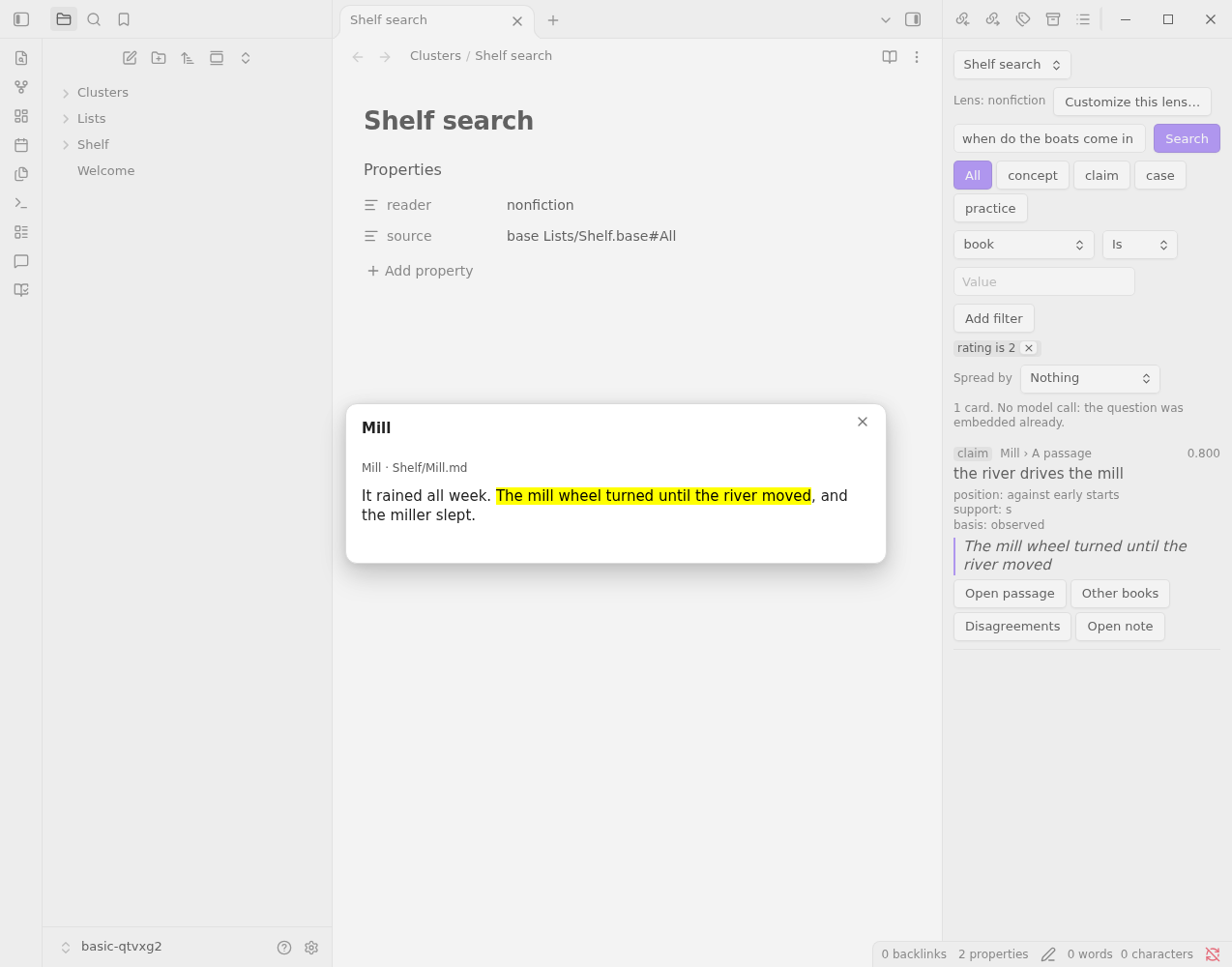
Back returns to the list.
What it costs
Search only reads. Its one model call is embedding your question, once per question. Changing a filter or a facet costs nothing more.