Beta. Clusters is not released yet. These pages describe the build in progress.
Make a collection
Tell Clusters which books, notes or Base rows to read, and through which lens.
A collection is one note in the collections folder (Clusters by default), named for the collection. Its properties say where its documents come from and which lens reads them.
Make one from settings
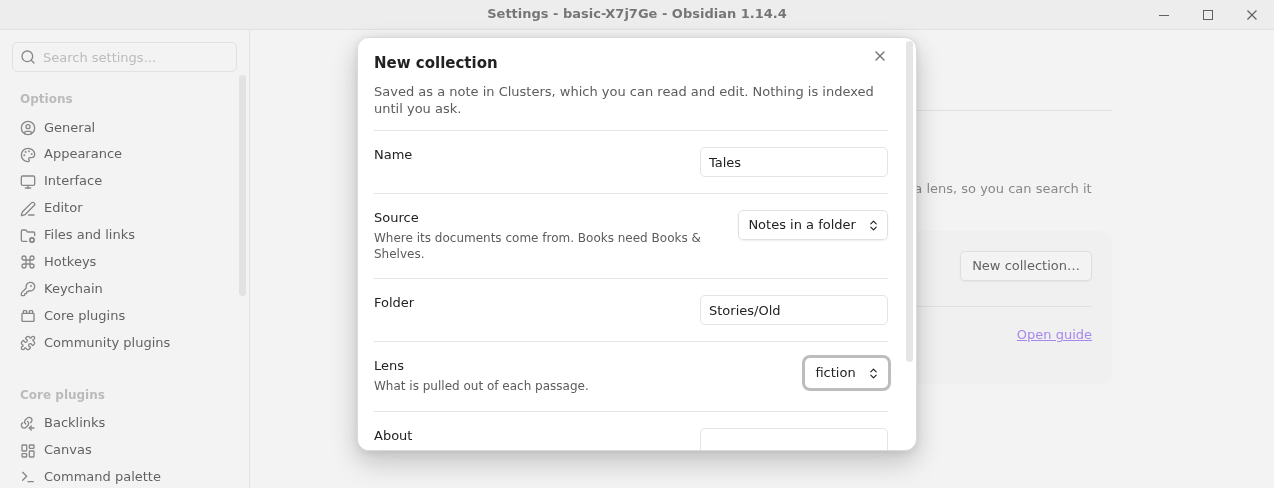
- Open Settings → Clusters → Collections and select New collection….
- Enter a Name, choose a Source and a Lens, and optionally a line under About saying what the collection is about.
- Select Create. The note opens; you can read and edit it.
| Source | What you enter | What becomes a document |
|---|---|---|
| Notes in a folder | The folder's path, such as Research/Reading | Every note in the folder and its subfolders |
| Notes with a tag | The tag, without # | Every note with that tag |
| Rows of a Base | The Base file, such as Lists/Reading.base | The note behind each row of a view |
| Books on a shelf | The shelf's name | Every book on that Books & Shelves shelf |
The collection note
You can also write the note by hand. Its properties:
reader: nonfiction              # the lens: a built-in one, or one of yours
source: folder Research         # books · shelf <name> · folder <path> · tag <tag> · base <file.base>#<view>
context: Notes from field work. # optional: what the collection is about
The property for the lens is named reader. A Base source may name a view after #; without one, its first view is used.
How documents are split into passages
- Notes are one passage each. A note longer than the lens's limit is split at its
##headings. A note's properties become its fields, which you can filter by in search. - A Base is read through Obsidian: the view's filters and formulas decide the rows, and each row's columns are its fields. This needs the Bases core plugin.
- Books are split at their contents entries, or at their own headings. When a book's contents are thin, or the book is a PDF, a model finds where each part begins; Clusters asks before it makes that call.
Clusters never reads its own folders as a source.
Preview before you index
Run Clusters: Preview a collection's passages to see each document's passages, and anything left out and why. It writes nothing.
See your collections
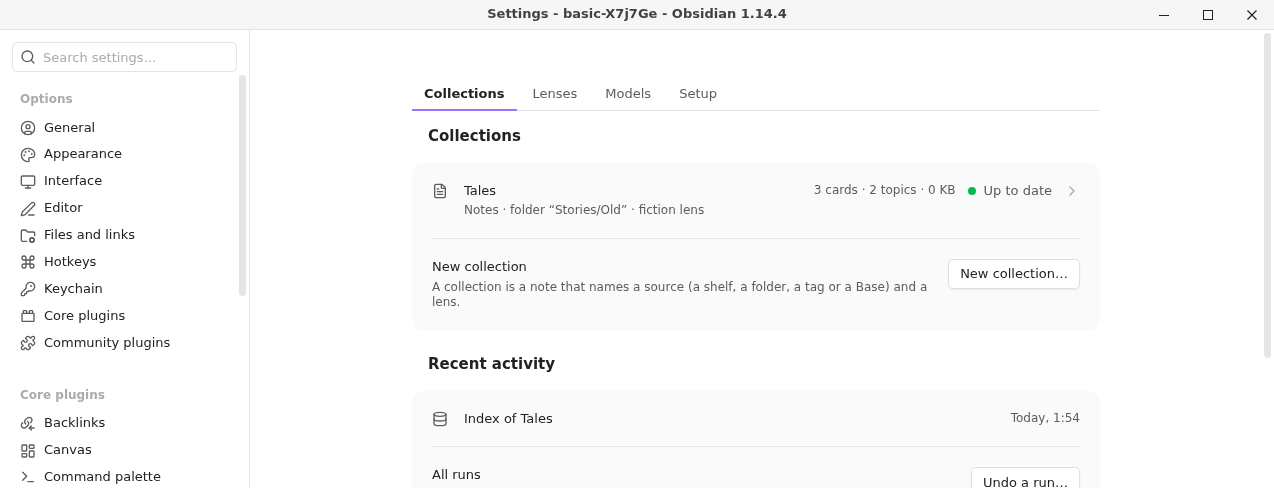
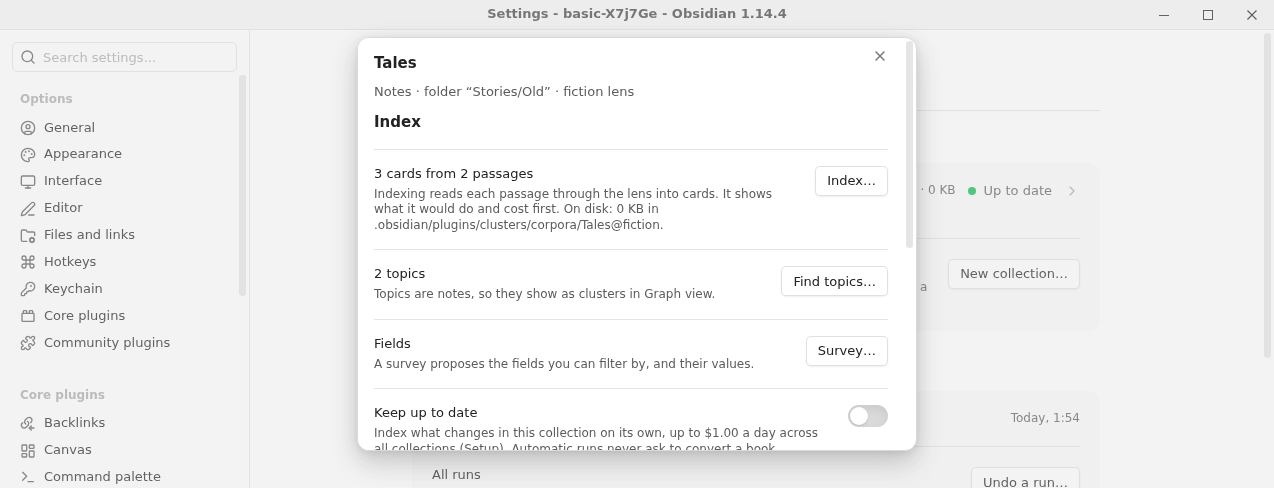
The Collections tab lists each collection with its source and lens, and whether its index is Up to date (an index run would do nothing), what a run would still do ("153 passages to read"), or Not indexed yet. Its counts line gives the cards, the topics and how much the index takes on disk. Select one to open its dialog: Index…, Keep up to date, Find topics…, Survey…, then Search… and Draft…, its recent runs and Open note. The tab's Recent activity has Undo a run… and Open jobs.